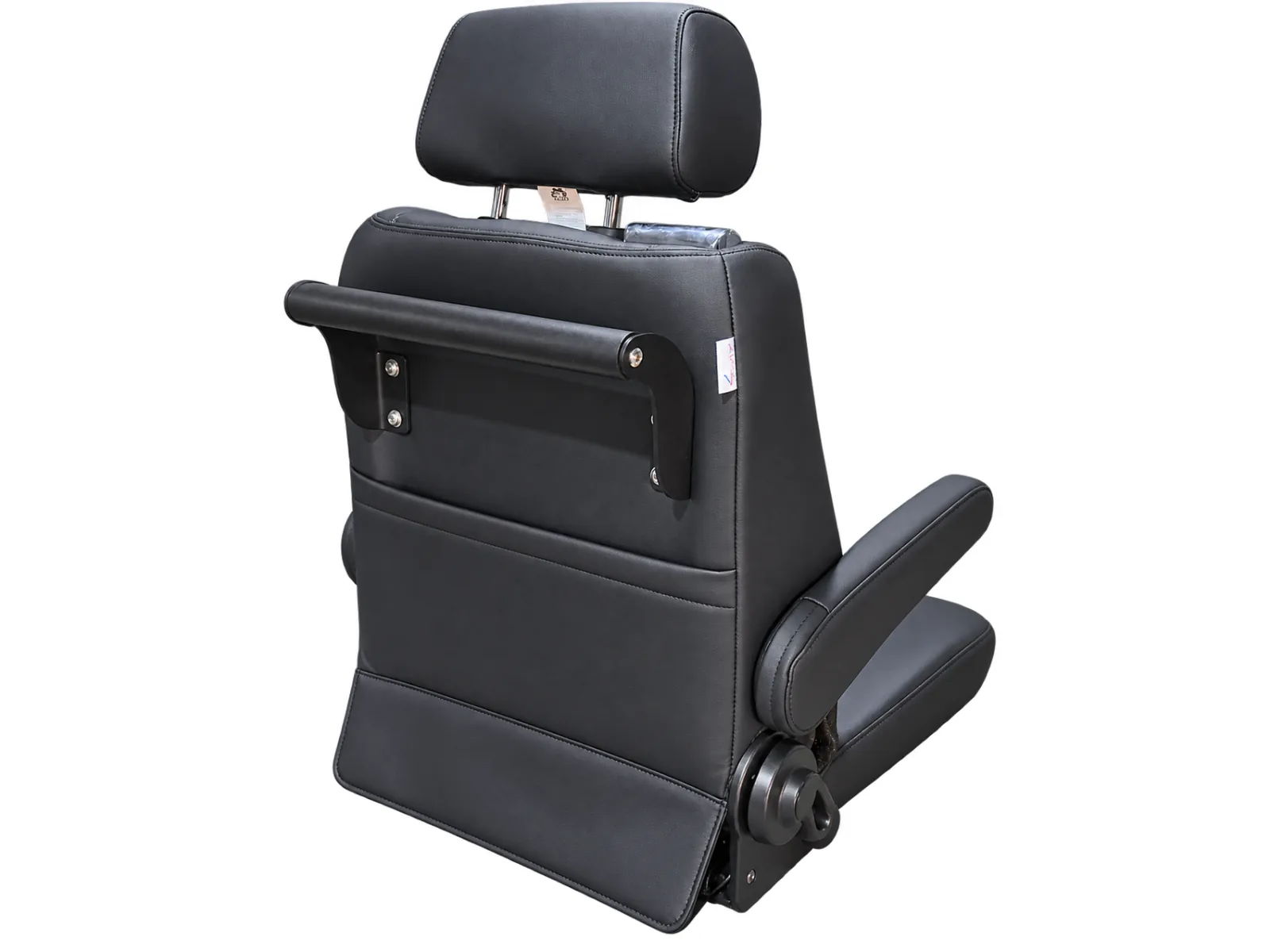
You’re starting a new project with a supplier for custom vehicle seats. How can you ensure everyone’s working from the correct drawing version and that any changes are properly documented and approved before manufacturing begins?
Identify the Current Drawing
Before any work commences, confirm the ‘current’ drawing version with the supplier. Drawings often have a revision number (e.g., Rev A, Rev 1.1). Request the supplier to provide a ‘revision log’ or ‘drawing history’ document. This log should clearly state the latest approved revision number and date. Verify this against your own records and any internal approvals you’ve received.
Documenting Changes
Whenever a change is proposed (e.g., a dimensional adjustment, material substitution), ensure it’s documented clearly. Request the supplier provide a ‘change request’ document. This document should include: a clear description of the change, the reason for the change, the date the change was proposed, and the impact on other aspects of the seat (if any). Keep a record of all change requests, regardless of whether they are approved.
Secure Written Confirmation
Crucially, obtain written confirmation from the supplier that the changes have been incorporated into the ‘current’ drawing. This confirmation should explicitly state the revision number that reflects the changes. A simple email stating ‘Changes incorporated into Rev B, dated [date]’ is acceptable. Retain this confirmation alongside the drawing and change request documentation.
- Confirm the ‘current’ drawing revision number with the supplier.
- Request a ‘revision log’ or ‘drawing history’ document.
- Document all proposed changes with a ‘change request’ document.
- Secure written confirmation from the supplier, referencing the correct revision number.
- Retain all documentation (drawing, revision log, change requests, confirmation) securely.
For further assistance, please use our website AI chat or email [email protected].